Procedure:
Section 1 - Atira Users:
Section 2.1 – First Login:
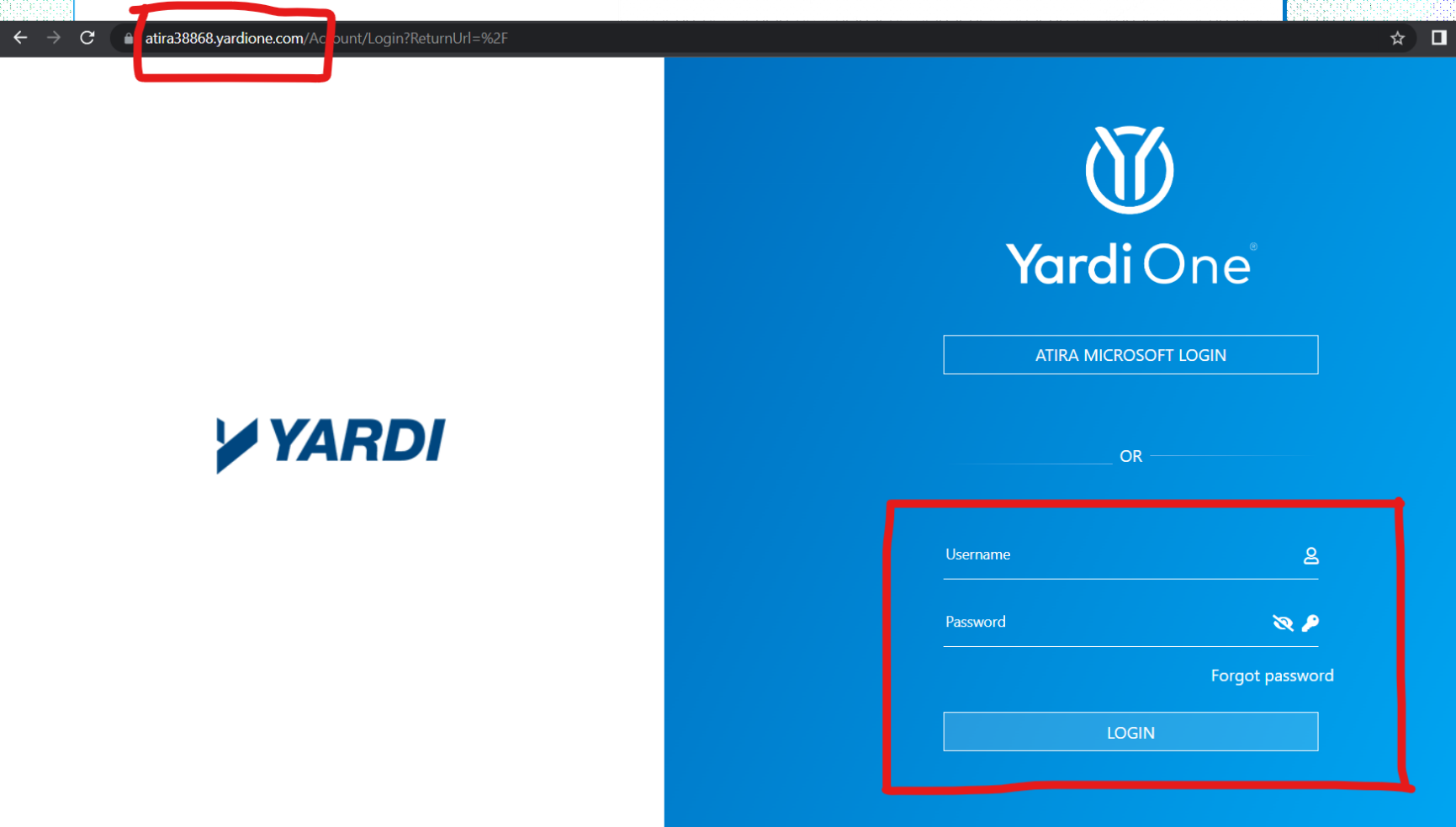
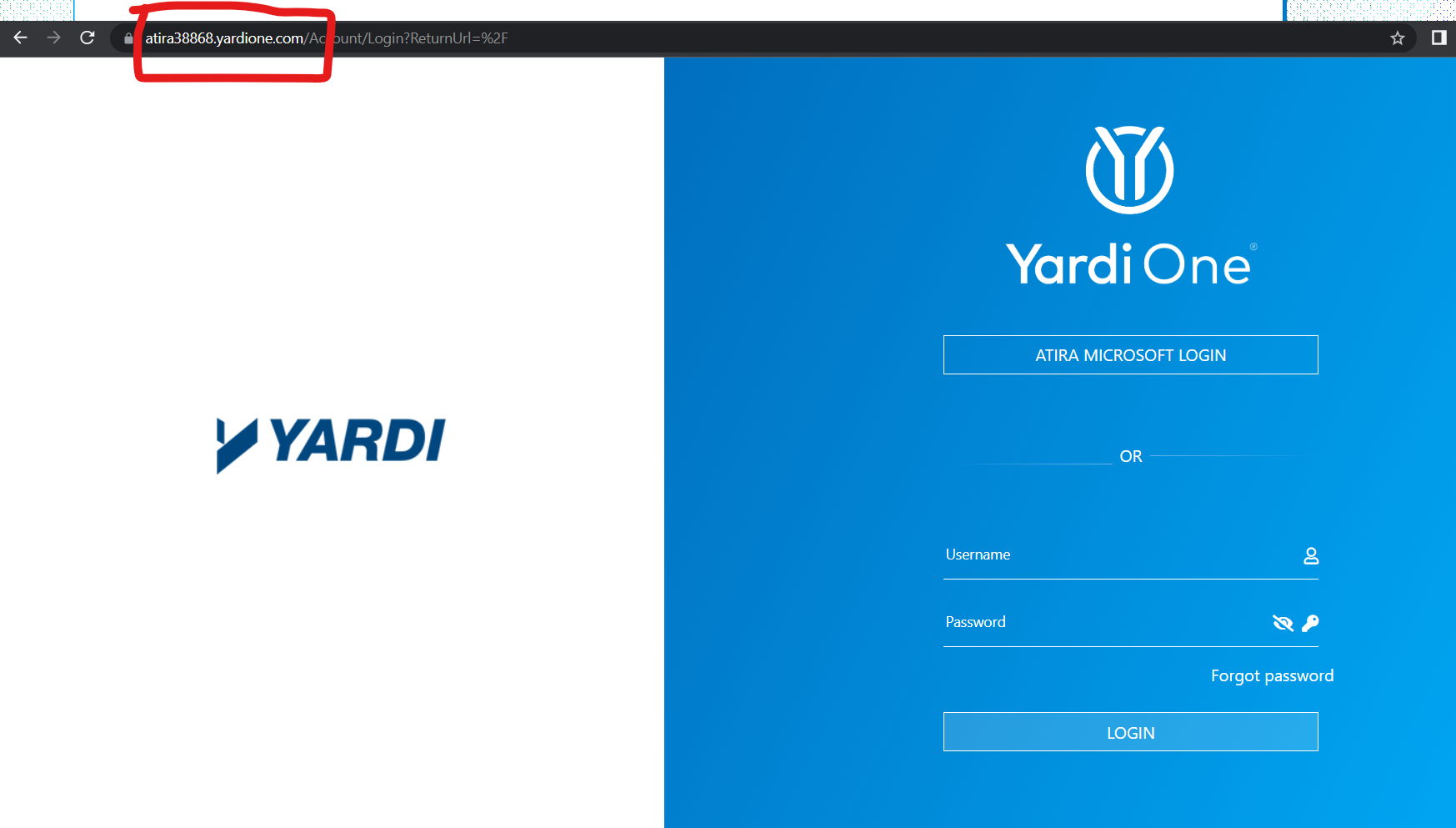
1.Navigate to this address: https://atira38868.yardione.com. You will see two login options. Click the upper login button and you will be redirected to sign in with your Atira Microsoft account.
Section 2.2 – Subsequent Logins:
1. Sign in with your Atira Microsoft account. It is your Atira email address and password, the same login you use for all Office apps.
- Note: If you do not remember your email password, please reach out to techsupport@atira.ca for assistance.
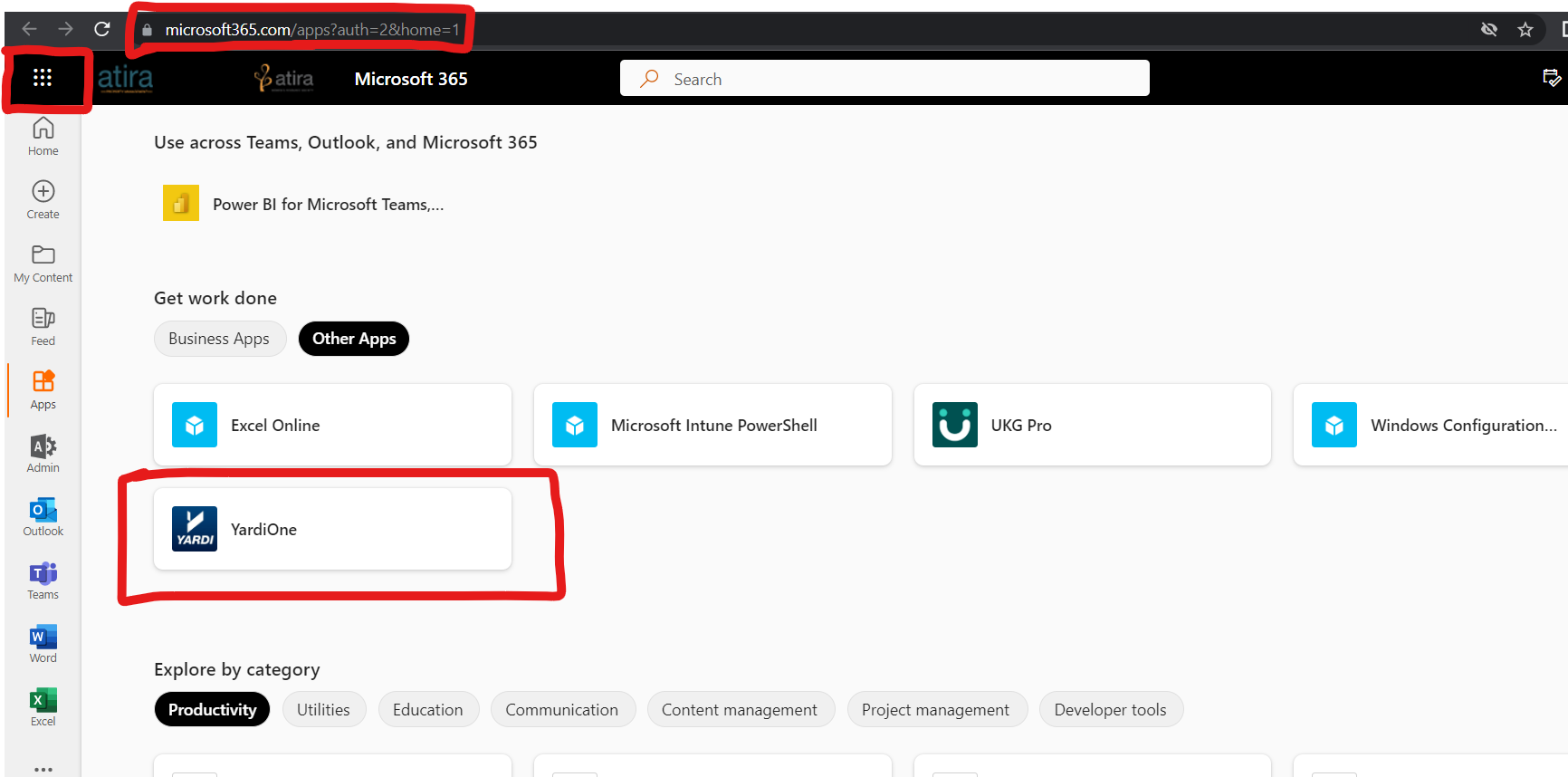
2. Alternative login: Navigate to https://microsoft365.com and sign in with Atira Microsoft account. Click app launcher in top-left corner then click YardiOne icon.
Section 2 - External Users:
1.You will see two login options. Use the bottom login and sign in with your current username and password that you use for YardiOne. The correct URL is https://atira38868.yardione.com.
- Note: if you forget your Yardi password, click forgot password and a reset link will be sent to your email.