
What are M365 Apps?
Microsoft 365 Apps (formerly known as Office 365) is a subscription-based suite of productivity applications offered by Microsoft. It includes the most commonly used Microsoft Office applications, but with added benefits tied to the cloud
What's Included in Microsoft 365 Apps?
Here are the core components:
- Word – Word processing
- Excel – Spreadsheets and data analysis
- PowerPoint – Presentations
- Outlook – Email and calendar
- OneNote – Note-taking
- Access – Database management (Windows only)
- Publisher – Desktop publishing (Windows only)
- Teams – Collaboration and communication
To Access and Pin Apps from the Web
- Go to www.office.com and log in to your email.
- On the left-side Panel, click "Apps"
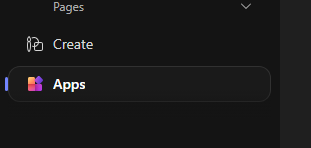
- The apps will be displayed on the main panel
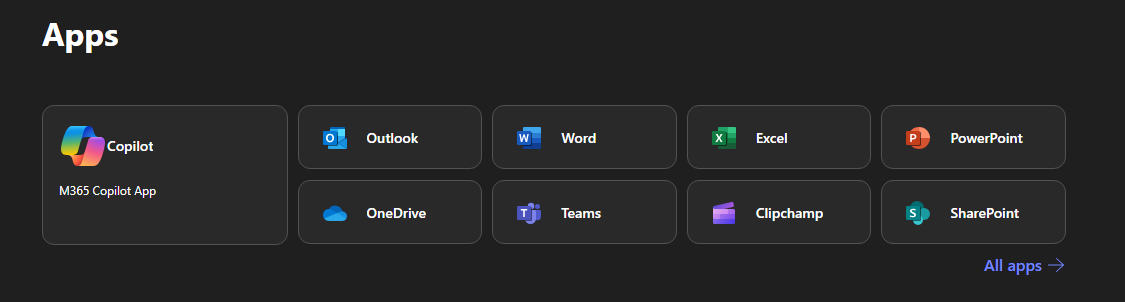
- If the App you're looking for is not on the list, click "All Apps ->" located at the bottom right of Apps.
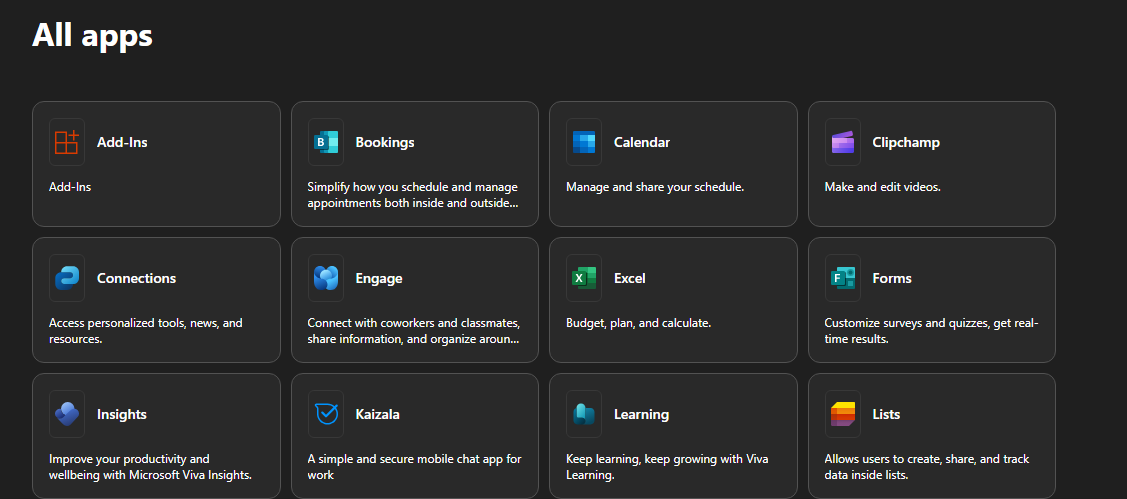
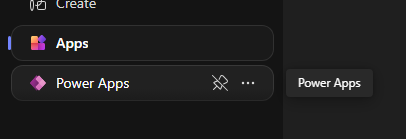
- To Pin apps or create a shortcut. Right-click the app and select "Pin"
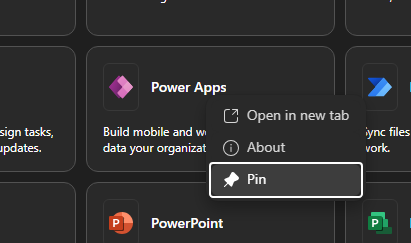
- Once you Pin an app it will show on the left-side panel for easier access.
Tips you can also bookmark the full app dashboard My Apps