
Please find the instructions to reset the printer -
1. Open front cover (ignore the “Cover is Open” message and proceed)
2. Press the “Stop/Exit” and “Clear ” buttons at the same time and release
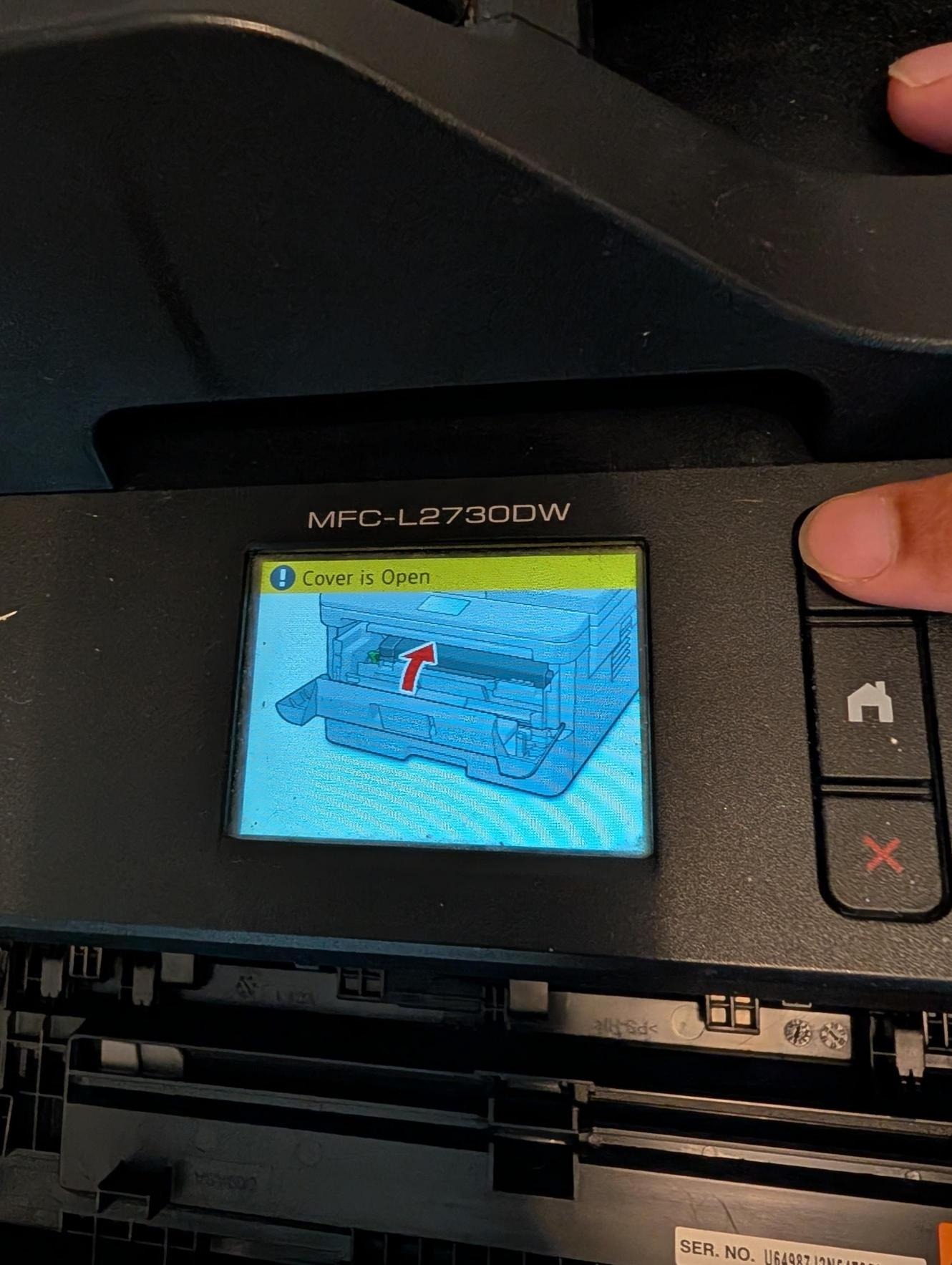
3. Immediately press the “Clear” button again. The reset menu will appear.
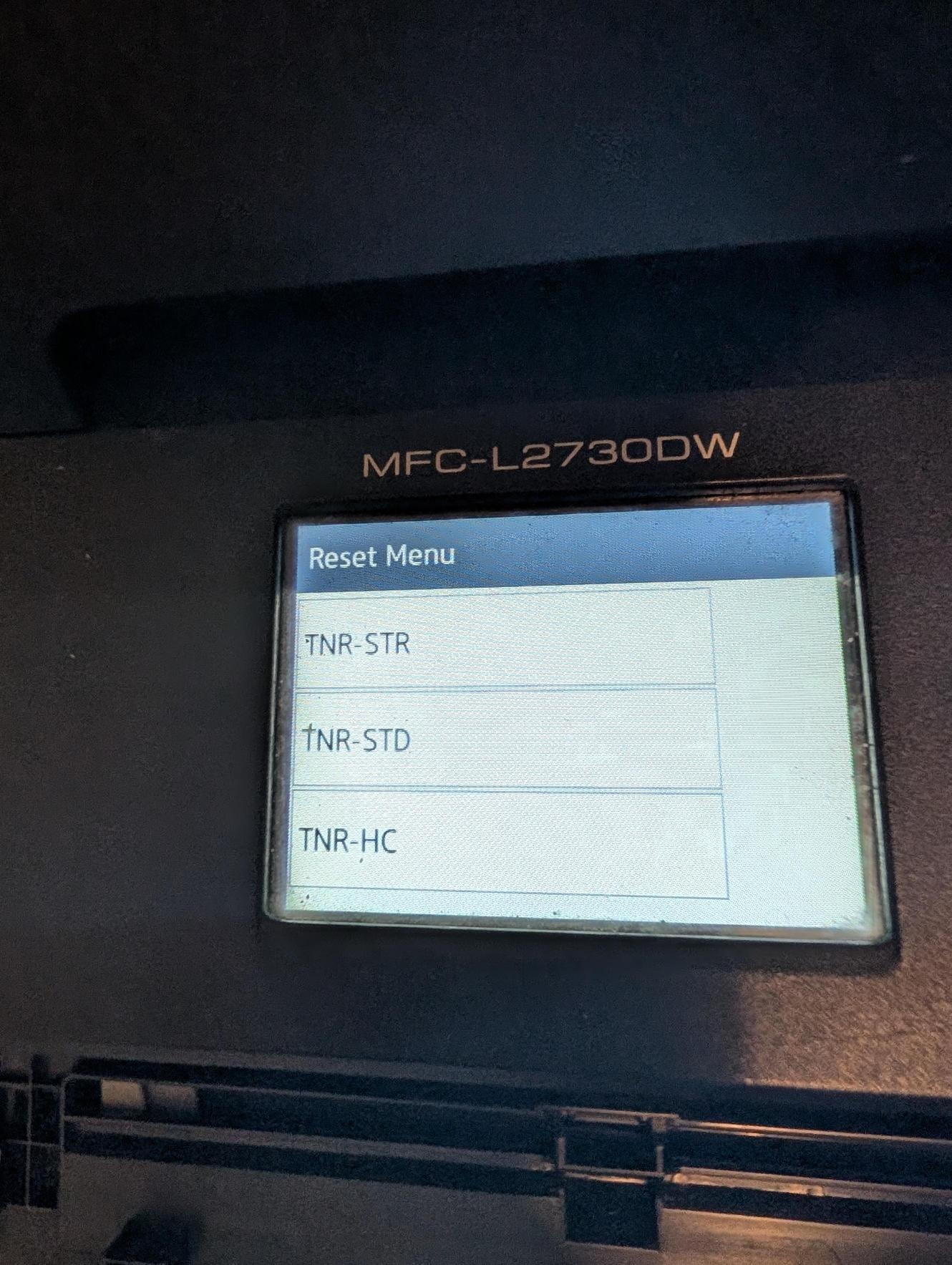
4. Press the “Down” button to select “TNR-HC”, then press “OK”
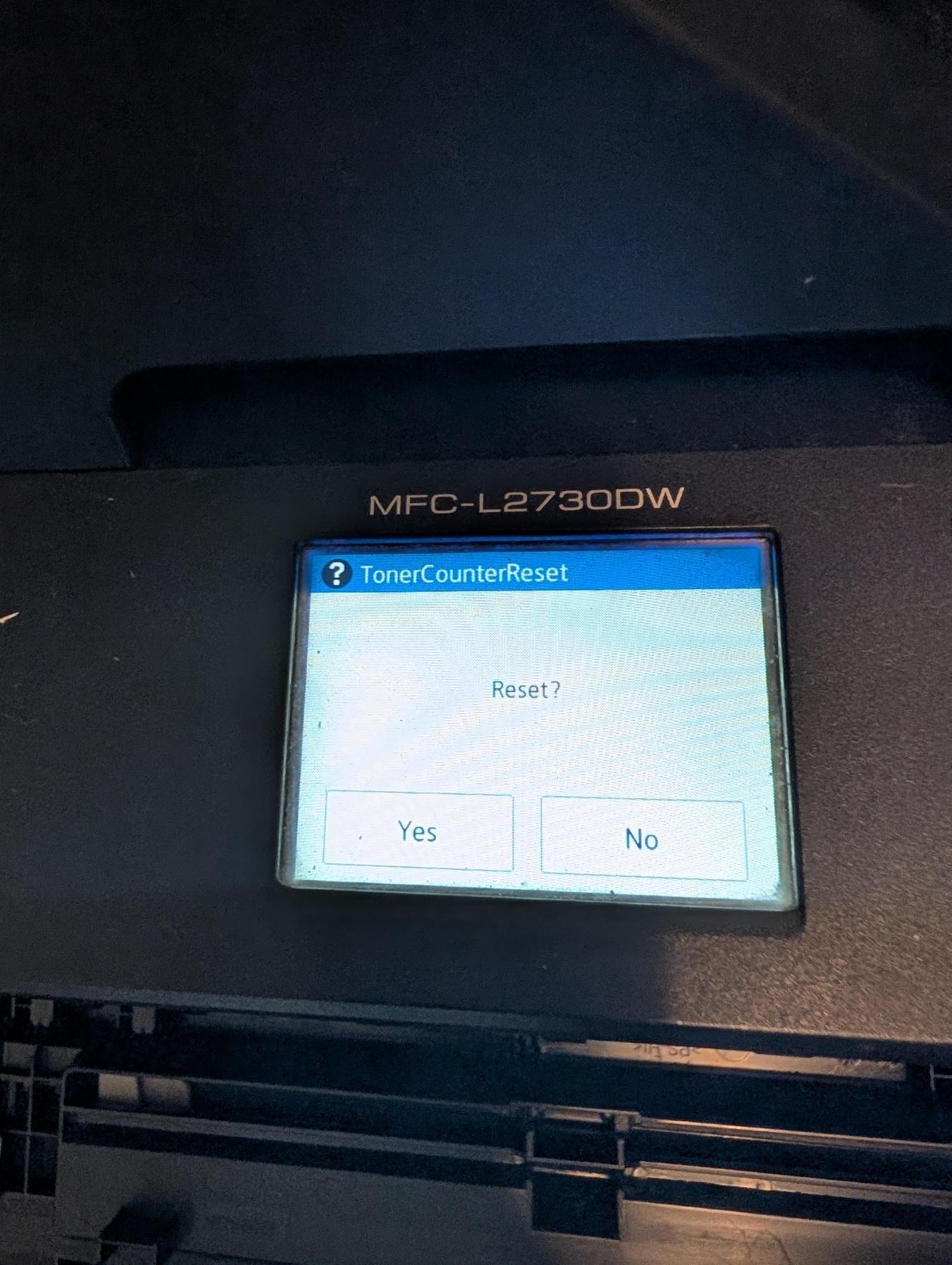
5. Once “Reset/Exit” message appears, press the “Up” button to confirm the reset
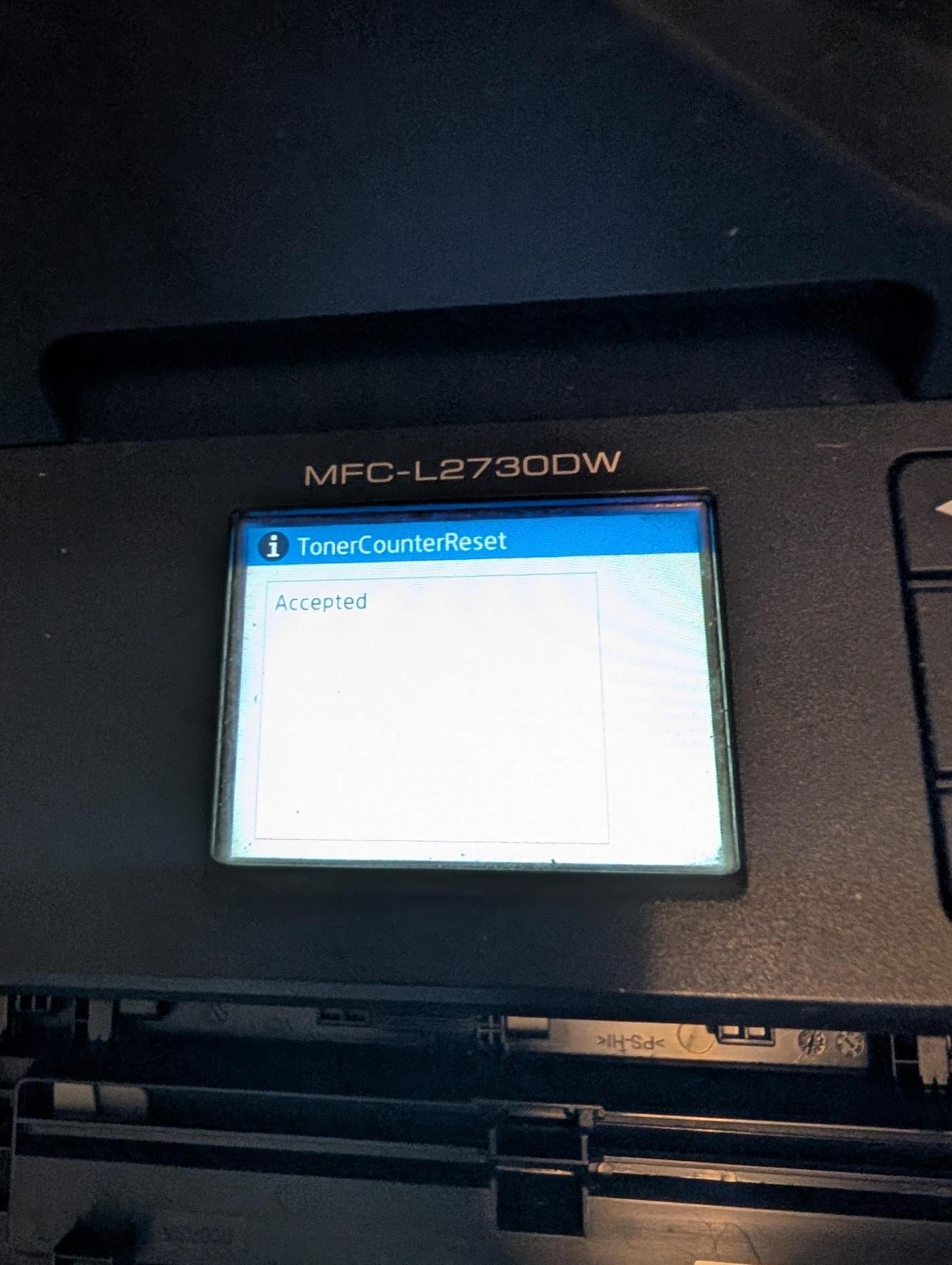
6. The reset is successful when the “Accepted” message appears.
Instructions with image -
1. Open front cover (ignore the “Cover is Open” message and proceed)
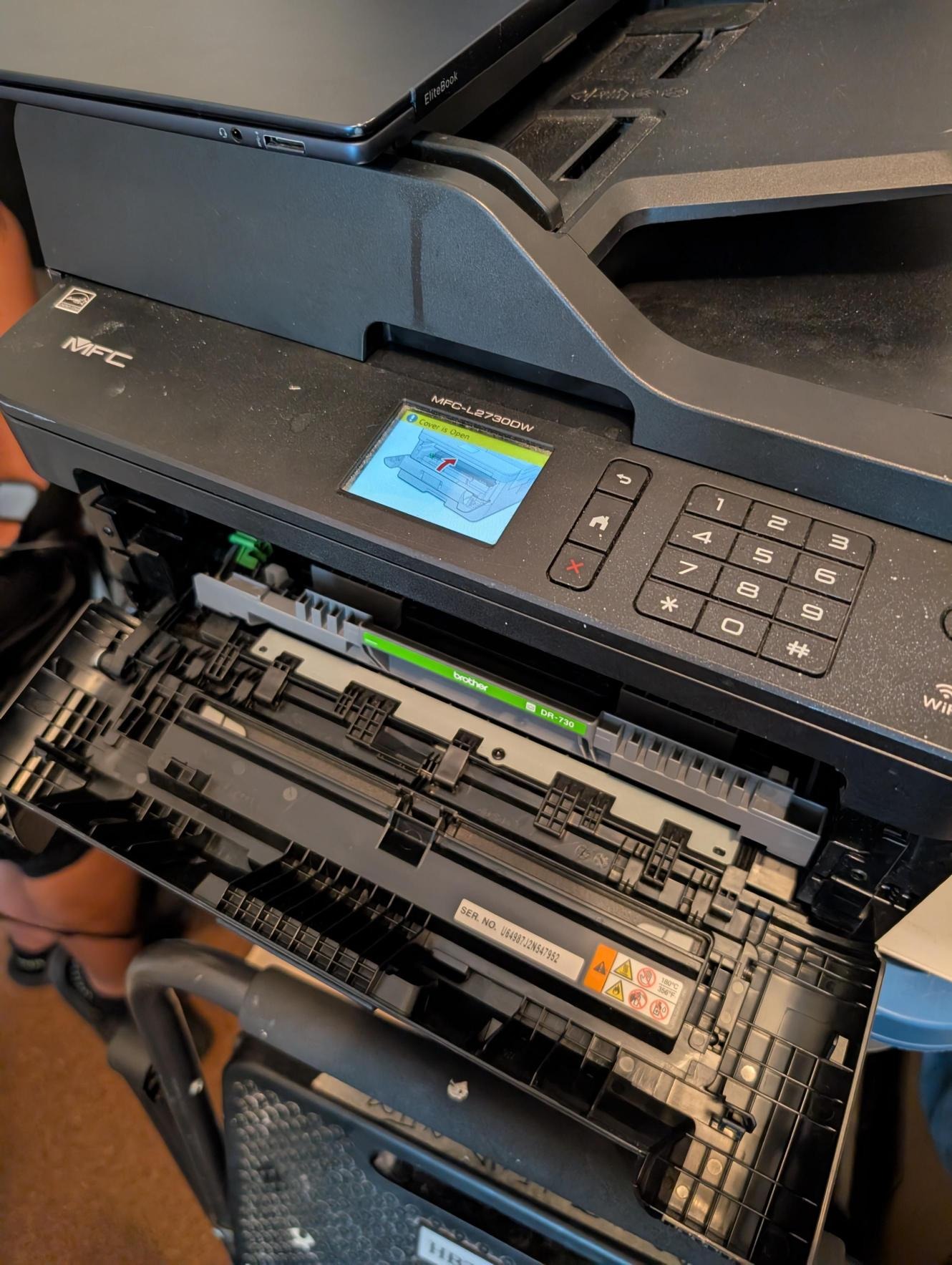
2. Press the “Stop/Exit” and “Clear ” buttons at the same time and release. Please follow the next step quickly otherwise reset menu will not appear. 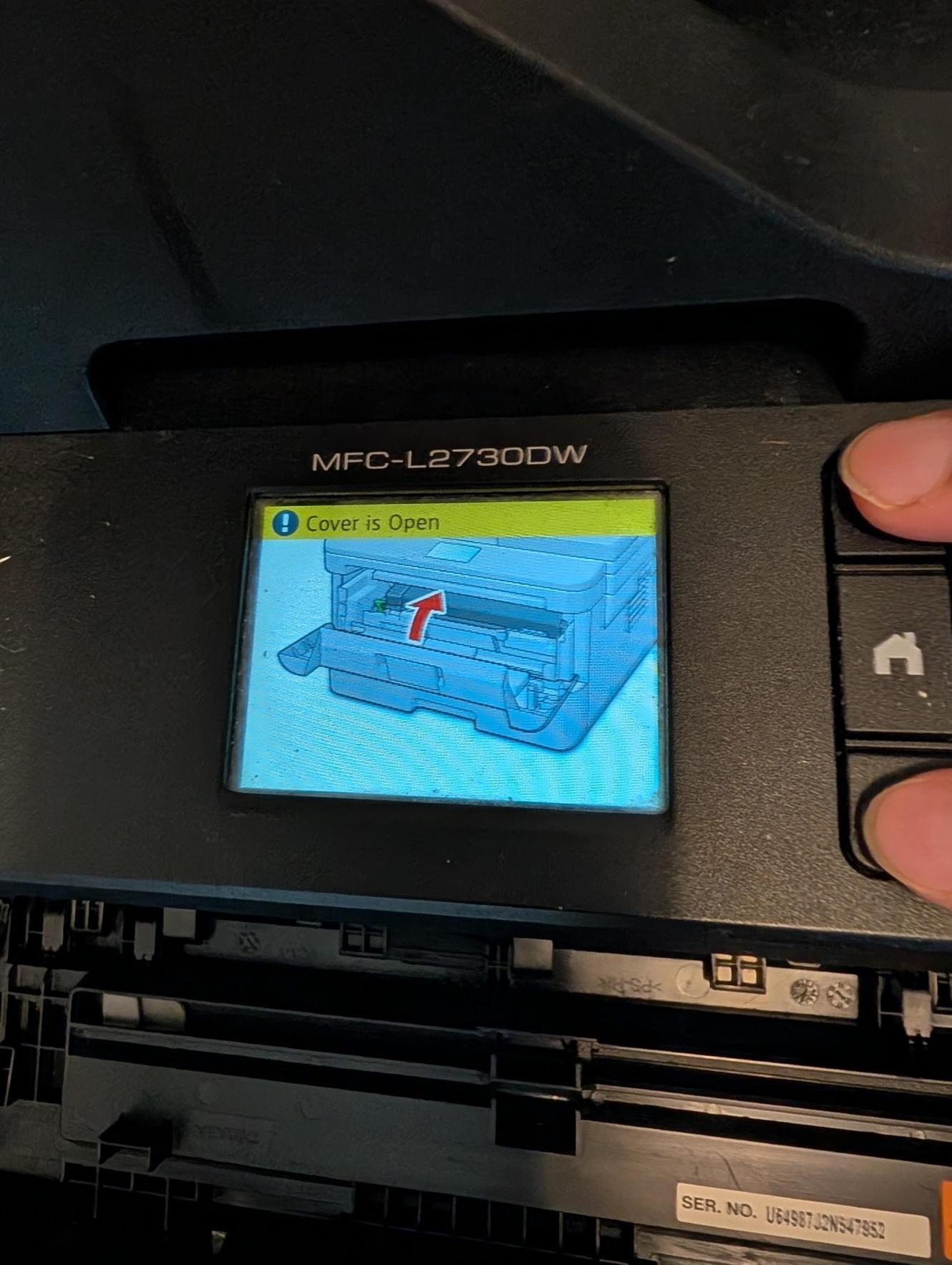
3. Immediately press the “Clear” button again. The reset menu will appear.
4. Press the “Down” button to select “TNR-HC”, then press “OK”
5. Once “Reset/Exit” message appears, press the “Up” button to confirm the reset
6. The reset is successful when the “Accepted” message appears.
Video Instruction -